Higher or Lower
Completion requirements
Teaching Tool
High Low
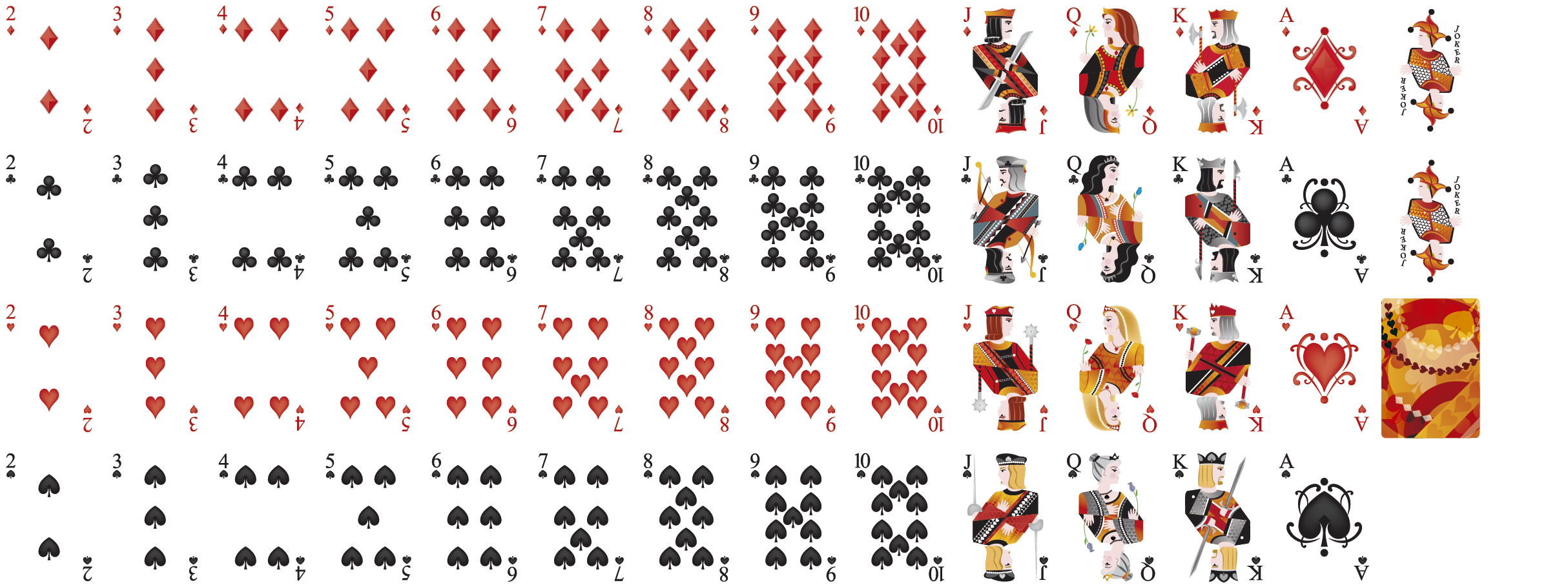
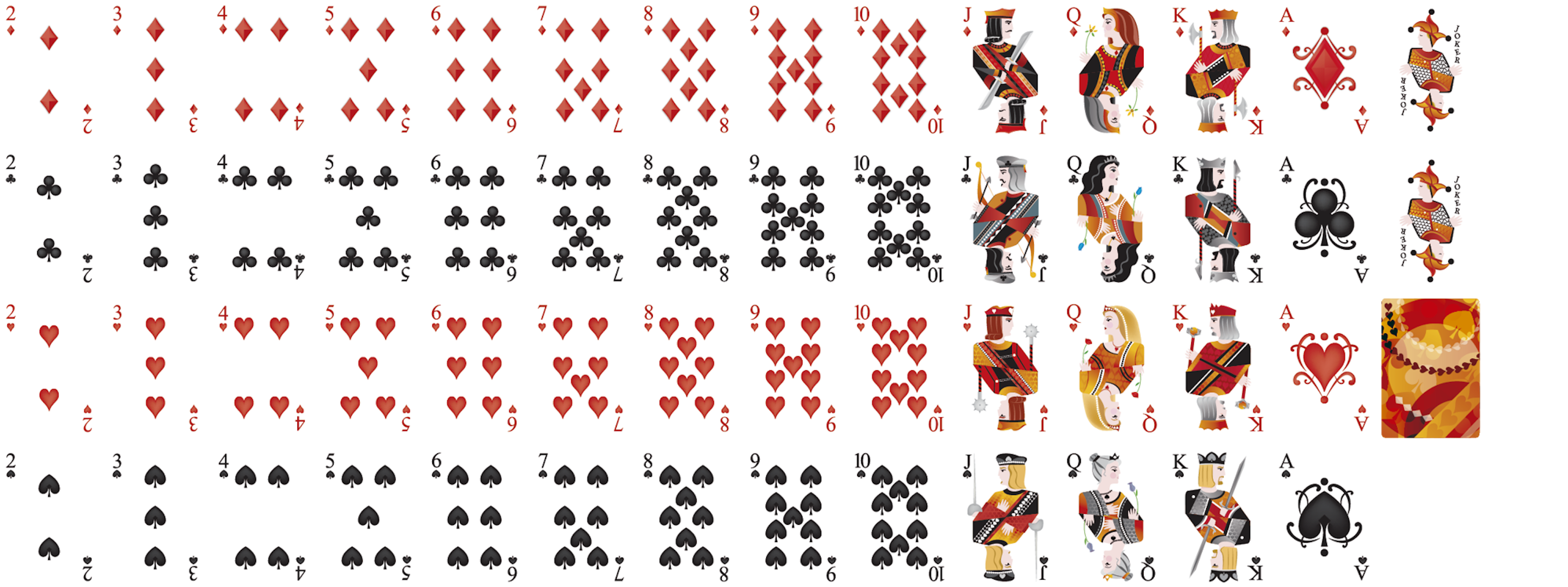
A card game that teaches probability. Draw a card, guess whether the next one will be higher or lower, and see the real-time statistics behind each decision.
Stats
Real-time probability
Score
Correct & error tracking
Deck
Add or remove cards
H / L
Keyboard shortcuts
How to Use
Get Started in 3 Steps
Learn probability through a simple card game
1
Draw a Card
The first card is revealed. Look at its value and consider the probability of the next card being higher or lower.
2
Guess Higher or Lower
Press H for higher or L for lower. The tool shows how many cards are above and below.
3
Review the Statistics
After each guess the tool displays the probability calculation, your correct count, and error count.
Features
What Makes It Great
Classroom Use
Home Use
Keyboard Navigation
PWA Support
Probability Calculation
Live Statistics
Export & Embed
Shortcuts
Keyboard Controls
H Guess higher
L Guess lower
R Restart the game
A Add a card
D Remove cards
Highlow navigation
Instructions:
- Use Tab key to navigate to the buttons
- Use these shortcuts to play the game:
- h for higher
- l for lower
- r for restart
- a for add card
- d for remove card
- e for explanation
- r for reset
Instructions:
- Use Tab key to navigate to the buttons
- Use these shortcuts to play the game:
- h for higher
- l for lower
- r for restart
- a for add card
- d for remove card
- e for explanation
- r for reset
Correct
0
Errors
0